SA-21/06, C-11, Asapur, Varanasi, UP support@kamaldnp.com +91 8318013442
Offline Mode
Bestseller Video Course
BeginnerIntermediateAdvanced

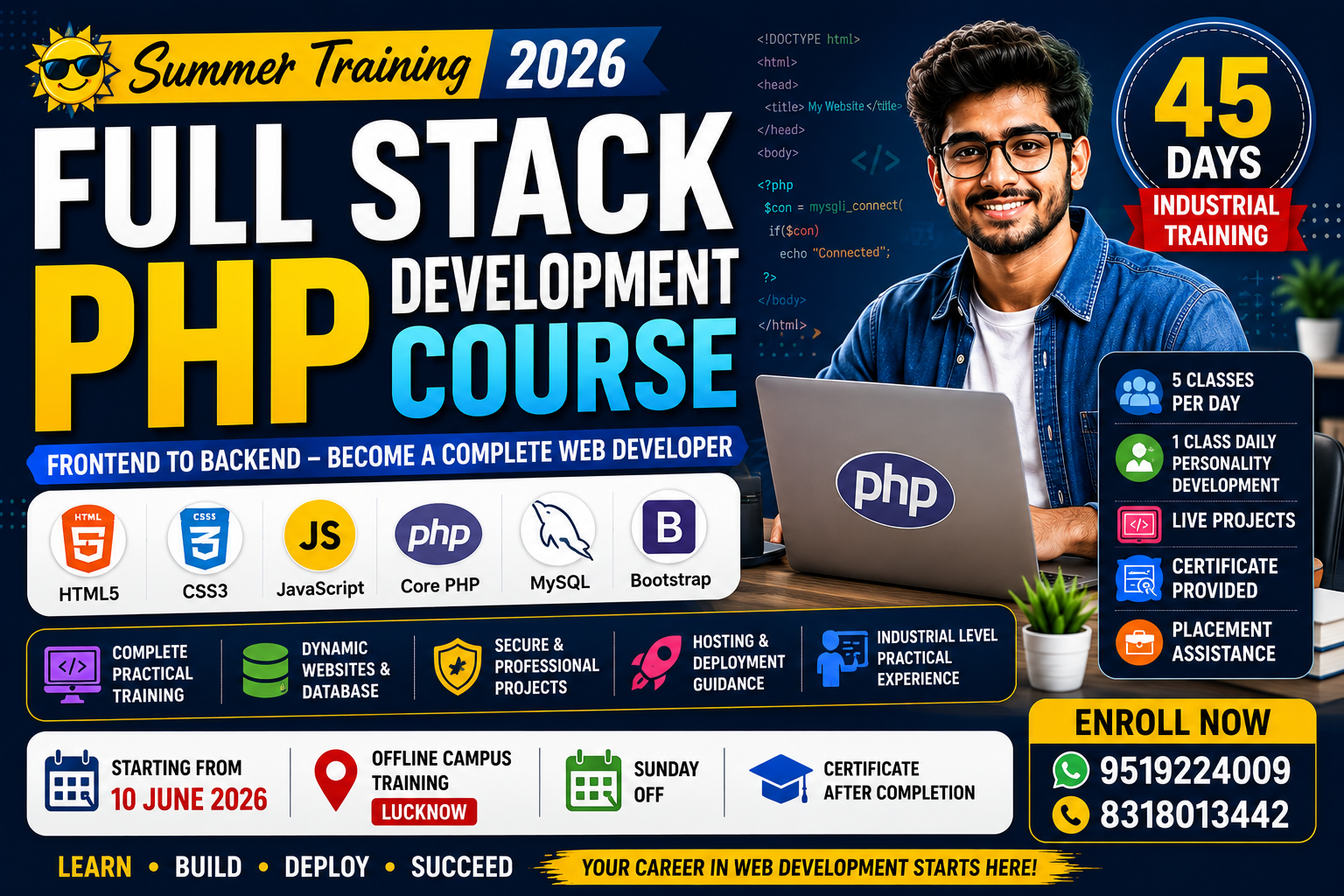
Full Stack PHP Development Course 2026

School / College Students BCA / MCA Students B.Tech / Diploma Students Beginners & Freshers Working Professionals

2 Students Enrolled
66 Views
Starts: 10 Jun 2026
Hinglish
₹5000 ₹3000
Enroll Now
Full Stack PHP Development Course 2026
100% Quality Assured & Verified Curriculum
Skill LevelAdvanced
LanguageHinglish
AssignmentsIncluded
CertificateYes, on completion

What you'll learn

Frontend Web Design (HTML5, CSS3, Bootstrap, Tailwind)
JavaScript & ES6 Fundamentals (DOM, API, Local Storage)
Core PHP & MySQL Database Connectivity
Admin Panel & Dynamic Website Development
Authentication Systems (Login, Register, Sessions)
Hosting, Domains & Server Deployment
Daily Personality Development & Interview Prep

Course Description

This Industrial Training Program is designed for students and beginners who want to become professional web developers using HTML, CSS, JavaScript, and Core PHP.

Students will learn Frontend Web Design, Dynamic Website Development, Database Connectivity, Admin Panel Development, Authentication Systems, Live Projects, Hosting & Deployment, and Personality Development.

The training focuses on practical learning with real-world industrial projects.

Special Summer Offer 2026:
  • 🔥 Original Fee: ₹5000
  • 🎁 Offer Fee: ₹3000 Only
  • 📌 Registration Fee: ₹500
  • 📍 Offline Campus Training (Lucknow)
Live Projects Include:

Dynamic Website, Admin Dashboard, Student Management System, Billing Software, Blogging Website, E-Commerce Website, and Portfolio Website.

Training Location: Orchid Grand 103, C-211, Sector N, Aliganj, Lucknow, Uttar Pradesh 226024

⚡ Limited Time Offer – Apply Now! Remaining Fee Payable After Registration.

Course Curriculum

Study Pace Calculator
Adjust study time to see completion estimate.
23 Days

  • Internet & Website Basics
  • Client & Server
  • Website Working Process
  • Software Installation
  • VS Code Setup
  • 🧠 PD: Self Introduction Skills

  • HTML Structure
  • Headings & Paragraphs
  • Lists & Tables
  • Links & Images
  • Forms
  • 🧠 PD: Communication Skills

  • Semantic Tags
  • Audio & Video
  • Iframes
  • SEO Basics
  • Practice Layout
  • 🧠 PD: Confidence Building

  • CSS Selectors
  • Colors & Background
  • Margin & Padding
  • Borders
  • Fonts & Typography
  • 🧠 PD: Public Speaking

  • Flexbox
  • CSS Grid
  • Media Queries
  • Responsive Layout
  • Mini Project
  • 🧠 PD: Teamwork Skills

  • Variables
  • Data Types
  • Operators
  • Conditions
  • Loops
  • 🧠 PD: Positive Thinking

  • Functions
  • Arrays
  • Objects
  • String Methods
  • Practice Problems
  • 🧠 PD: Professional Behavior

  • DOM Basics
  • Events
  • Form Validation
  • Dynamic Content
  • Interactive Pages
  • 🧠 PD: Goal Setting

  • Arrow Functions
  • Destructuring
  • Spread Operator
  • Template Literals
  • Modules
  • 🧠 PD: Time Management

  • Fetch API
  • JSON
  • Local Storage
  • API Integration
  • Weather App
  • 🧠 PD: Personality Grooming

  • PHP Setup
  • XAMPP Installation
  • PHP Syntax
  • Variables
  • Data Types
  • 🧠 PD: Interview Etiquette

  • Operators
  • If Else
  • Switch
  • Loops
  • Practice Programs
  • 🧠 PD: Spoken English Practice

  • Functions
  • Arrays
  • Super Globals
  • String Functions
  • File Handling
  • 🧠 PD: Presentation Skills

  • GET & POST
  • Form Validation
  • Sessions
  • Cookies
  • Login System
  • 🧠 PD: Body Language Improvement

  • MySQL Introduction
  • PHP + MySQL
  • CRUD Operations
  • Admin Panel Basics
  • 🧠 PD: Stress Management

  • Login & Registration
  • Password Encryption
  • Session Management
  • Security Basics
  • 🧠 PD: Leadership Communication

  • File Upload
  • Image Upload
  • Validation
  • Project Practice
  • 🧠 PD: Professional Communication

  • Dynamic Pages
  • Navigation System
  • Database Integration
  • Dashboard
  • 🧠 PD: Resume Building

  • Admin Login
  • CRUD Dashboard
  • User Management
  • Content Management
  • 🧠 PD: Career Planning

  • Project Structure
  • Testing
  • Bug Fixing
  • Deployment Basics
  • 🧠 PD: HR Interview Skills

  • Frontend UI Setup
  • Dynamic DB Integration
  • Admin Controls
  • Contact Form
  • 🧠 PD: Workplace Etiquette

  • Student Registration
  • Attendance Module
  • Fee Management UI
  • Reports Dashboard
  • 🧠 PD: Motivation

  • Post Creation UI
  • Image Handling
  • Dynamic Routing
  • Comments Section
  • 🧠 PD: Networking Skills

  • Product Listing
  • Cart System Setup
  • Session Cart Storage
  • Category Filtering
  • 🧠 PD: Self Discipline

  • Master Dashboard
  • Multiple User Roles
  • Data Tables
  • Admin Security
  • 🧠 PD: Interview Confidence

  • Understanding Servers
  • Shared vs VPS Hosting
  • FTP & File Manager
  • Database Export/Import
  • 🧠 PD: Corporate Communication

  • Domain Connectivity
  • DNS & Nameservers
  • cPanel Walkthrough
  • Creating Subdomains
  • 🧠 PD: Workplace Confidence

  • Creating Business Emails
  • SMTP Setup in PHP
  • Sending Auto Emails
  • Contact Form Live
  • 🧠 PD: Problem Solving Skills

  • Payment Gateway Flow
  • API Keys Setup
  • Creating Order IDs
  • Handling Callbacks
  • 🧠 PD: Career Growth Planning

  • Code Minification
  • Image Optimization
  • Loading Speed Fixes
  • Basic Security Rules
  • 🧠 PD: Corporate Personality

  • Selecting the final major project
  • Architecture design
  • Database Schema Planning

  • Building the Course Display
  • Student Dashboard UI
  • Video Player Setup

  • Backend Integration
  • User Enrollment Logic
  • Admin LMS Control

  • Product Database
  • Dynamic Cart Integration
  • Checkout Page UI

  • Order Management System
  • Admin Dashboard for Shop
  • Status Updates

  • Invoice Generation
  • Printing Bills in PHP
  • Tax Calculation Logic
  • 🧠 PD: Group Discussion

  • Solving Logical Errors
  • Security Patching
  • Final Testing
  • 🧠 PD: Mock Interviews (Round 1)

  • Uploading Final Projects to Live Server
  • Live Testing
  • 🧠 PD: Mock Interviews (Round 2)

  • How to present your project
  • Explaining the code
  • Handling Cross Questions
  • 🧠 PD: Presentation Practice

  • Final Project Checks
  • Code Reviews by Instructors
  • Feedback Session

  • Creating ATS Friendly Resumes
  • Building Online Portfolios
  • LinkedIn Profile Optimization

  • HTML/CSS Questions
  • JavaScript Tricks
  • Core PHP Logic Tests
  • MySQL Queries

  • Live Coding Round
  • Debugging Test
  • HR Interview Questions

  • Final Project Submission
  • Live Presentation
  • Viva Session

  • Certificate Distribution
  • Career Roadmap
  • Placement Support & Referrals
  • Program Completion

Your Instructor

Instructor

Raj Kamal

Lead Software Architect & Educator

4.9 Rating Expert Level Premium Mentor

With extensive real-world industry experience, Raj Kamal is dedicated to breaking down complex engineering and coding concepts into simple, practical, and highly digestible lessons. Learn the exact skills that top tech companies demand today.

Student Feedback

No Reviews Yet

Enroll in this course and be the first to share your experience!

Ready to Start?

₹5000 ₹3000

Enroll Now

This course includes:
  • 45 Days On-Demand Content
  • Assignments & Practical Quizzes
  • Full Lifetime Access
  • Physical Classroom Training
  • Certificate of Completion
Keep Learning

Other Courses You Might Like

Website Design & Development Workshop 2026 Thumbnail
1 Hour

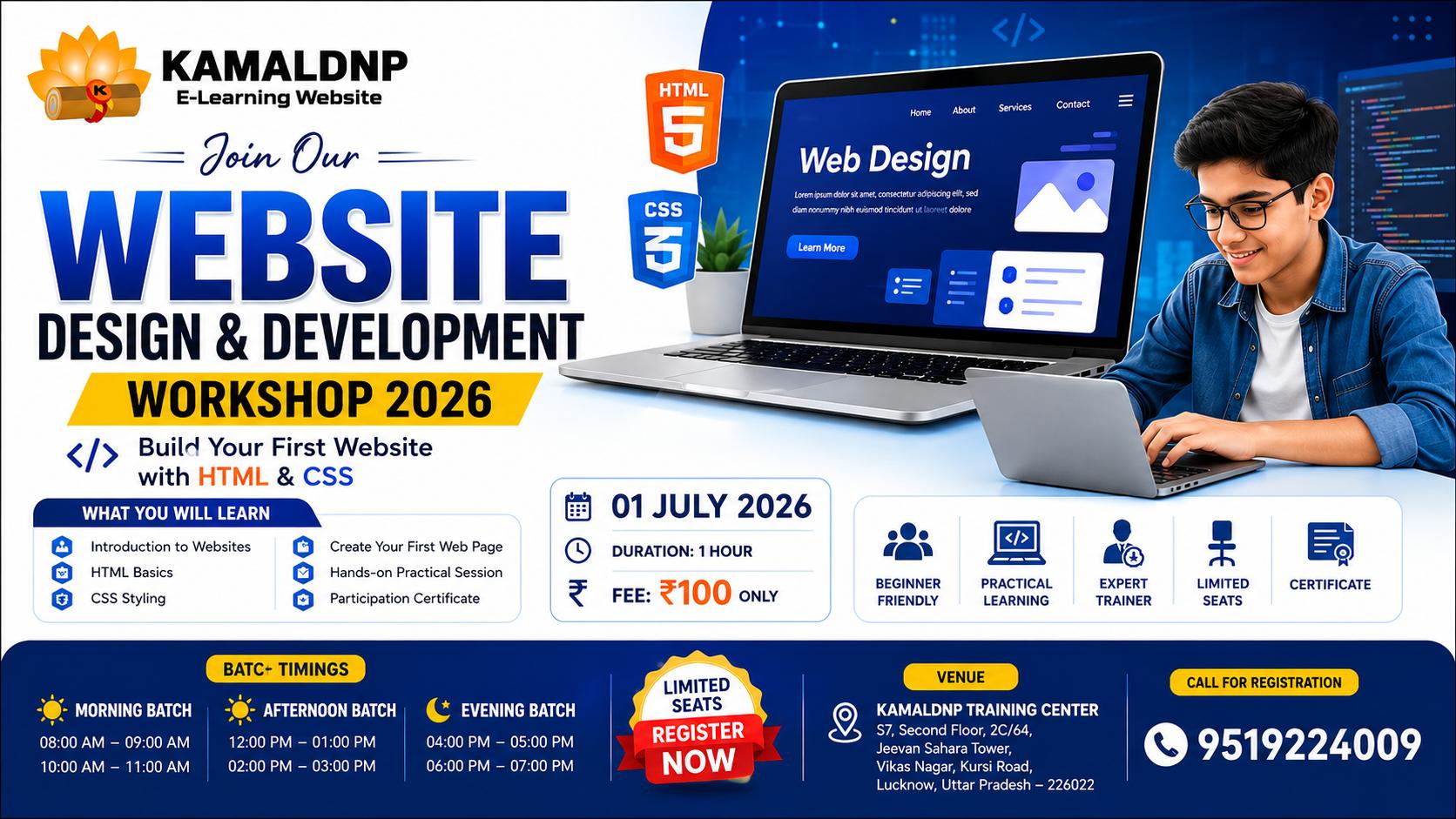
Website Design & Development Workshop 2026

Website Design & Development Workshop 2026 Website Design & Development Workshop 2026 is a beginner-friendly practical workshop designed for anyone who wants to learn how websites are created and designed. In this workshop, participants will learn the fundamentals of HTML and CSS and gain hands-on experience by building their own website. Whether you are a student, job seeker, freelancer, business owner, or someone interested in technology, this workshop will help you understand the basics of web development and website design. Participants will learn how websites work, create web pages, add text, images, links, colors, buttons, and design attractive layouts using HTML and CSS. By the end of the workshop, every participant will have created their first website and gained a strong foundation in website development. No prior coding experience is required. This workshop is specially designed for complete beginners and focuses on practical learning through live demonstrations and guided exercises. What You Will Learn • Introduction to Websites and Web Development • HTML Fundamentals • CSS Styling and Design • Creating Web Pages • Adding Images, Links, and Buttons • Website Layout and Structure • Hands-on Practical Website Creation • Career Opportunities in Web Development Who Can Join? • Students • Beginners • Job Seekers • Freelancers • Business Owners • Anyone Interested in Learning Website Development Important Terms & Conditions Each student can attend only one workshop. Maximum 10 students per batch. Workshop fees are NON-REFUNDABLE. Workshop fees are NON-TRANSFERABLE. Students must report 15 minutes before their selected batch timing. Seats are allotted on a first-come, first-served basis. Certificate will be issued only after successful participation. Management reserves the right to modify batch allocation if required. Certification 🎓 All participants will receive a Website Design & Development Workshop Certificate from KAMALDNP after successful participation.

Raj Kamal
₹299
₹100
Ethical Hacking & Cyber Security Workshop Thumbnail
1 Hour

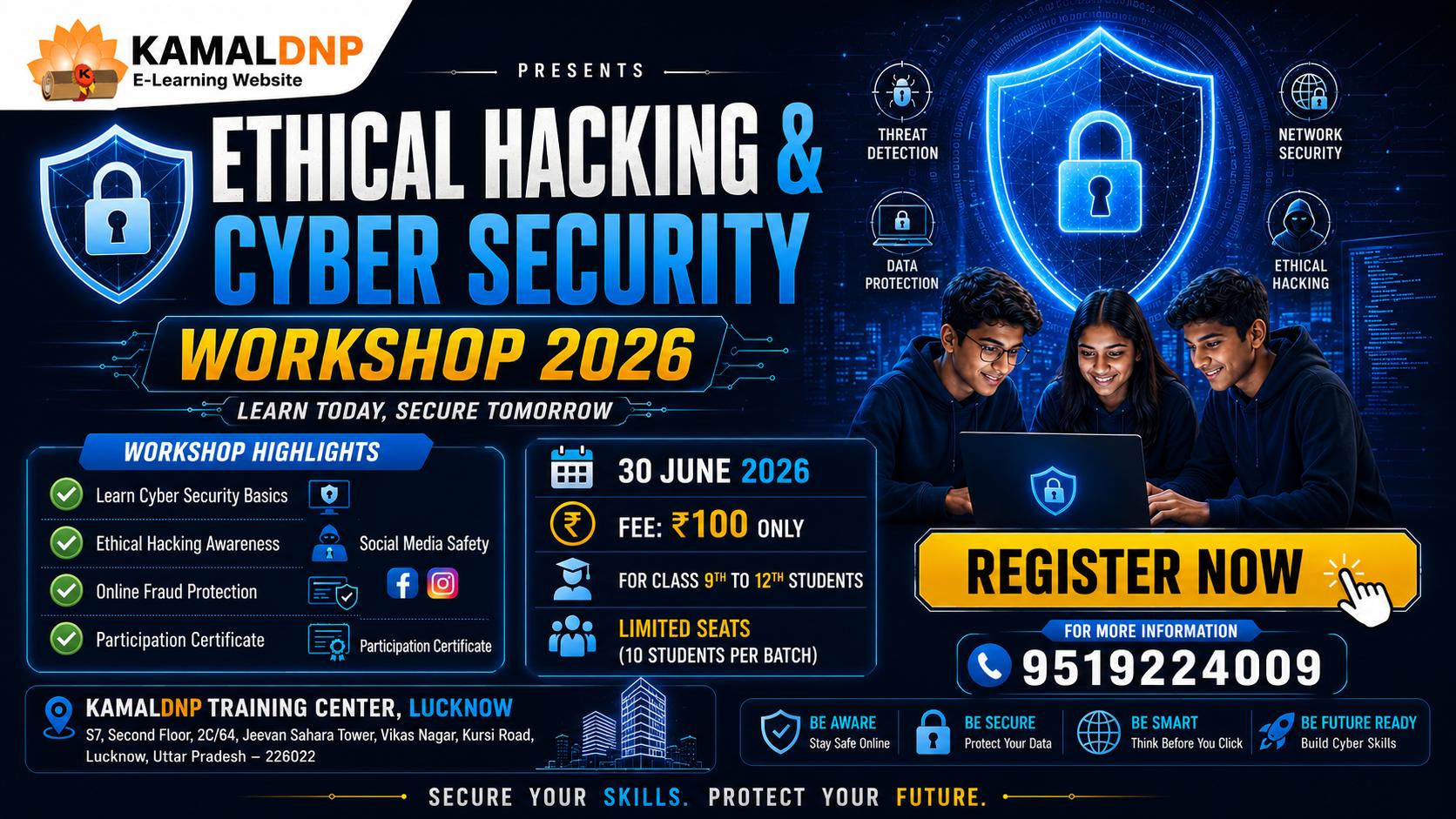
Ethical Hacking & Cyber Security Workshop

Ethical Hacking & Cyber Security Workshop 2026 In today's digital world, cyber threats, online scams, phishing attacks, and data breaches are increasing rapidly. Ethical Hacking & Cyber Security Workshop 2026 is designed to help participants understand the fundamentals of cyber security and learn how to protect themselves from common cyber threats. This beginner-friendly workshop introduces participants to ethical hacking concepts, cyber security awareness, digital privacy, password security, social engineering attacks, phishing scams, and safe internet practices. Through practical demonstrations and real-world examples, participants will learn how cyber criminals target users and how security professionals help protect systems and data. The workshop focuses on awareness, prevention, and responsible use of technology. Participants will gain valuable knowledge about online safety, secure browsing, social media protection, fraud prevention, and cyber security best practices that can be applied in daily life. No prior technical knowledge or programming experience is required. The workshop is suitable for students, beginners, job seekers, freelancers, business owners, professionals, and anyone interested in learning about cyber security and digital safety. What You Will Learn • Introduction to Ethical Hacking • Understanding Cyber Security Fundamentals • Types of Hackers and Cyber Threats • Password Security & Two-Factor Authentication • Phishing Attack Identification • Social Engineering Awareness • Social Media Security • Online Fraud & Scam Prevention • OTP, UPI & QR Code Scam Awareness • Safe Internet Browsing Practices • Digital Privacy Protection • Career Opportunities in Cyber Security Workshop Features • Live Interactive Training • Real-World Cyber Security Examples • Practical Demonstrations • Beginner Friendly Learning • Small Batch Training • Expert Trainer Guidance • Career Guidance Session • Participation Certificate

Raj Kamal
₹299
₹100
WordPress Website Development Course (10 Days) Thumbnail
20 Hours

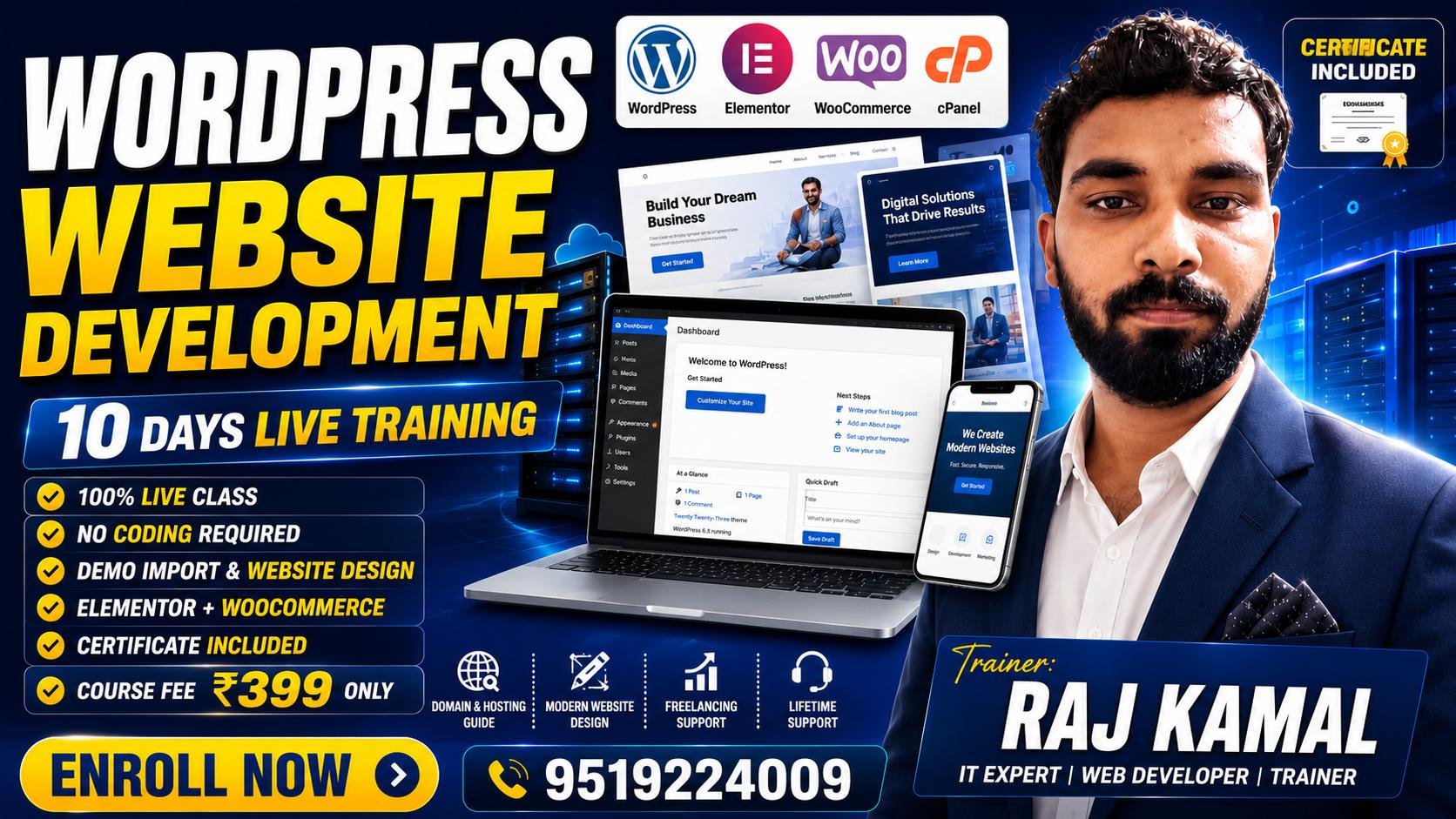
WordPress Website Development Course (10 Days)

Full Course Description This 10-Day WordPress Website Development Course is designed for students, freelancers, business owners, digital marketers, and beginners who want to learn how to create professional websites without coding. The course starts with the fundamentals of WordPress, including its scope, career opportunities, domain and hosting concepts, and website setup. Students will learn how to install WordPress, manage themes and plugins, import ready-made demo websites, customize layouts, create pages and posts, design professional websites using Elementor, and develop e-commerce websites using WooCommerce. The course also covers website security, backups, SEO optimization, speed optimization, and website migration. In addition to technical skills, students will learn how to work with clients, estimate project costs, deliver websites professionally, and start freelancing or a website development business. By the end of the training, students will be able to build, customize, optimize, and launch complete business, portfolio, blog, and e-commerce websites independently.

Raj Kamal
₹999
₹399
Course Fee

₹5000 ₹3000

Enroll Now